6 Jun 2007

Firestarter, gnome-network-manager and 2 interfaces.

After a successful upgrade of my Desktop PCs from Eddy to Ubuntu Feisty Fawn it was time to upgrade my Laptop. Open Source Operating Systems on Laptops have always been a bit troublesome for me, due to the nature of exotic hardware components in many Laptops.

Because it was upgraded a couple of time already, I decided to do a fresh install. a fresh installation took about 15-20 minutes (and this is a 3 year old laptop). While on a nearly virgin system (i took my home partition over, so many gnome configs were migrated) I decided to solve a long standing problem on this machine; network configuration.

This Laptop (like most) has 2 Network interfaces, a gigabit ethernet NIC and a wireless NIC. I am almost always only using one interface at a time. Therefore I have become accustomed to firestarter and gnome-network-manager.

Firestarter is a simple firewall UI (and daemon) which is pretty handy if you do not have special firewalling needs. And gnome-network-manager is a daemon which tries to keep up your network conection whenever possible. Both tools offer a gnome try icon for easy access and up to date infos of the status of each (connectivity, firewall events).


(1st from left, network-manager, 3rd Firestarter)

The problem with this combo is, that firestarter can only manage 1 Interface at a time. Whenever switching to another interface, firestarter's config has to be adjusted. Fortunately firestarter's configuration is (as expected) a plain text file in /etc. Debian's interface configuration config allows scripts to be executed and many stages during interface initialisation and shutdown. With a little sed, this problem could be solved as follows.

Copy this script to /etc/network/firestarter. It will start/stop and reconfigure firestarter whenever an interface is brought up or down.

#!/bin/bash
# Description: Remove routes to allow communication between machines which

if [[ "$IFACE" != "eth0" && "$IFACE" != "eth1" ]]; then
exit 0
fi

export PATH=/sbin:/bin:/usr/bin:$PATH;

#echo "firewall configuration ... $PHASE";

firestarter_init="/etc/init.d/firestarter";
fs_config="/etc/firestarter/configuration";
fs_config_tmp="/tmp/firestarter.conf";

# reconfigure firestarter's interface
function reconfigure_firestarter {
#echo "reconfiguring firestarter for $1 ...";
cat $fs_config | \
sed -e 's/IF=.*/IF="'$1'"/;s/INIF=.*/INIF="'$1'"/' > $fs_config_tmp && \
mv $fs_config_tmp $fs_config && \
chmod 440 $fs_config;
}

if [[ "$MODE" = "start" ]] ; then
reconfigure_firestarter $IFACE;
#echo "starting firestarter for interface $IFACE ...";
$firestarter_init start 2>&1 >/dev/null
#echo "fsstart";
exit 0;
fi
if [[ "$MODE" = "stop" ]] ; then
#echo "stopping firestarter for interface $IFACE ...";
$firestarter_init stop 2>&1 >/dev/null
#echo "fsstop";
exit 0;
fi

exit 1;

Then make sure all interfaces of concern are configured to use the firestarter configuration script. My /etc/network/interfaces looks like this:

auto eth0
iface eth0 inet dhcp
post-up /etc/network/firestarter
pre-down /etc/network/firestarter
auto eth1
iface eth1 inet dhcp
wireless-essid wundinet
post-up /etc/network/firestarter pre-down /etc/network/firestarter

That's it.

2 Jun 2007

Automaticly suspend VMWare virtual machines on shutdown

I am using the VMWare Server on my workstation for testing. Because this computer has the fast nVidia card installed, I also boot in to windows now and then for gaming. It sometimes happens that I do forget to shutdown or suspend the VMs which is not really good for the virtual machines.

Fortunately, the VMWare server on linux comes with a handy command line client (vmware-cmd) for manipulating the configured virtual machines. This done from a System V init script solved my problem: suspending all running vms on shutdown and resuming them on start up. The solution works only if you are using vms with the VMware Tools installed. Three steps are needed to set up such a scripted solution on debian linux.

VMWare Tools
For no apparent reason vmware-cmd insists in having vmware tools installed in the vm or will refuse to work (the vmware-server-console can suspend clients without vmware tools installed). So you must make sure that auto suspended clients have the VMWare tools installed.

init script
Install the init script below in /etc/init.d and create the needed links. Both steps may vary a little depending on your distro (examples are for debian/ubuntu).

Create start/stop links
Make sure the start part of the script is run after vmware is started and the stop part must be called before vmware is suspended.

cd /etc/rc2
sudo ln -s /etc/init.d/vmware-suspend S21vmware-resume
sudo ln -s /etc/init.d/vmware-suspend K19vmware-suspend
/etc/rc2.d should look lik this now:

ls -la /etc/rc2.d/*vmware*
lrwxrwxrwx 1 root root 26 2007-06-02 13:29 /etc/rc2.d/K19vmware-suspend -> /etc/init.d/vmware-suspend
lrwxrwxrwx 1 root root 23 2007-05-31 13:58 /etc/rc2.d/S20vmware-server -> ../init.d/vmware-server
lrwxrwxrwx 1 root root 26 2007-06-02 13:28 /etc/rc2.d/S21vmware-resume -> /etc/init.d/vmware-suspend

That's it.

/etc/init.d/vmware-suspend
#!/bin/bash
# $Id$

# store cfg file names of automaticly suspended vms in this file, so we
# can auto resume on the next start.
STATE=/var/run/vmware.suspended;

# this function suspends running vms.
function vmware_suspend {
running="";
for vm in `vmware-cmd -l`; do
state="`vmware-cmd \"$vm\" getstate | grep on`";
if [[ ! -z "$state" ]]; then
running=`echo -e "$running\n$vm"`;
echo "Suspending vm: $vm";
vmware-cmd "$vm" suspend;
fi
done
echo "$running" > "$STATE";
}

# resume suspended vms.
function vmware_resume {
if [[ -f "$STATE" ]]; then
for vm in `cat "$STATE"`; do
echo "Resuming vm: $vm";
vmware-cmd "$vm" start;
done
rm "$STATE";
fi
}

case "$1" in
start)
echo "Starting";
vmware_resume;;
stop)
echo "Stopping";
vmware_suspend;;
esac

exit 0;

1 Jun 2007

Patent claims and Microsoft's Opensource Initiative

According to eWeek, microsoft does not see a contradiction between the recent IP threats agains Linux and OpenSource Software and their own Open Source Initiative.

Silent Hunter 4 - Wolfes of the Pacific

Ok some more details about the game. Here is a list of pros/cons if you consider buying it:

Pros

  • very realistic graphics - highly detailed graphics, even the crews of destroyers and battleships walk on the ships.
  • crew management - you can assign crew members to vital positions or replace injured crew members.
  • many playable ships - altough most of them "feel" the same (might be my lack of understanding/experience)
  • interesting dynamic mission builder for online missions (will create random formations at random places in the pacific)
  • navigation tools - on the map you have a pencil, a ruler and a circle which help marking spotted ship's paths. This could be done by the program but adds some more realism to the game.
Cons
  • bad quality - patch 1.2 was released not so long ago and there are still many vital bugs which should be fixed. ubi has not yet made a statement if there wll be a patch 1.3
  • missing online game lobby - it is possible to join online games trough the built in ubi lobby. The problem is that no chat is available nor a list of connected players. Usually there are zero servers waiting for players, thus many players think it does not work.
  • The campaign is somewhat boring after some time. The missions are automaticly generated, however it happend to me that I had to play the same mission over and over again (maybe 30 times) then I quit the career.

Germany outlaws computer security

Well, the headline may be a bit provocative, I admit.

The German "Bundestag" has passed a new law to outlaw "hacker tools" against critics from experts. Needless to say, that many software programs can be used in a creative way to "hack" another computer system. Think of using a Webbrowser (Internet Explorer or Firefox) to place an XSS (cross site scripting) attack on a vulnerable system. Is the browser now considered a hacking tool? This new law is extremely questionable also, because security experts use exactly the same tools to secure their networks as a hacker would use for attacking a target (or at least preparing an attack).

I wonder what this means to all those Open Source Operating Systems shipping security tools like nmap, etherreal, netcat and the such. Hence, even ping could be considered a hacking tool! To stretch this a little bit further, every owner of a compiler could build his own "hacking tools".

Outlaw guns and only outlaws will own guns.

This new law was covered by the CCC (Chaos Computer Club), here is an english translation.

31 May 2007

Silent Hunter 4 » Saipan mission

Recently I have bought Silent Hunter 4, a submarine simulator for Windows XP. It is the 4th version of an old sequel (when I was a kid I used to play Silent hunter 1).

Graphics are pretty detailed, the game is nice to play. Unfortunately the game has no real game lobby (no chat and many players complain that they cannot host games).

Here some screenshots:


Internet Explorer Screenshot service

Web developers are struggling every day to make that website or user interface compatible with as many browsers as possible.

There are standards (I hear you say). Yes, there are! W3C is a consortium which defines recommendations. However, these recommendations are sometimes vague and most often do not cover innovative/new ideas (standards are often defined after a new technology is already in use). Therefore, browser's rendering engine's output will vary and must be tested by developers.

On windows, it is not possible to install more than one Internet Explorer version, because newer versions tend to replace older versions (IIRC it was possible to install IE4 and IE5 on the same box). This is a problem for web developers (designers and programmers) because there is often a need to support more than one version (making sure the current project works in the most used environment as well as in future/older browsers).

Linux, wine and ies4linux come in handy in this situation. combined with Xvfb and some standard *nix tools (like ImageMagick and WindowMaker) make it possible to create a web service for capturing screenshots of sites in IE 5, 5.5, 6 and 7.

Currently I am working on a appliance (VMWare image) as well as a howto on how to do this.

30 May 2007

Ubuntu Feisty Fawn

I have finally decided to upgrade my Desktop from Edgy to Feisty. Because this is my everyday work environment I usually do not like to upgrade.

The computer
This computer used to run Dapper and was upgraded to Edgy. I have done quiet some customization (gnome and system services) and feared that the upgrade will break some packages. However, after the last, painless upgrade I decided to try another upgrade instead of a fresh installation.

Upgrading
During the upgrade there was 1 serious issue: the mysql 5 package demanded a hard coded uid (102 IIRC) which is used by another daemon already. This lead me to completely remove mysql 5 for now (fortunately, this was no productive mysql server, I have another one running on a stable debian). Then I was prompted to review diff of a couple of config files I have changed manually (namely ntp.conf, a firefox config file and cupsd.conf). Done! With all packages Installed on this PC it had to download roughly 1 GB of packages, the whole upgrade (downloading and installing) was done in one and a half hour.

The big moment - Reboot
During the upgrade i was happily chatting with friends on IRC as occasionally browsing (I was advised to not do so, however). So, the great moment came and I rebooted (already expecting loads of errors spitted into my face). And ... WOW ... no problems during the Boot process as it seemed.

The first WTF
Because I have recently switched from 100mbit to a gigabit Ethernet, my computer has 2 NICs installed, although the 100Mbit NIC is not used any more. Edgy has configure my eth1 (the gigabit interface) as eth0 and the old eth0 as eth2 (100Mbit). During boot, Feisty tried to connect trough eth2 which was not connected to the LAN and therefore my NFS home shares couldn't be mounted.

sudo ifdown eth2; sudo ifup eth0; sudo mount /home
fixed this and I could log in again.

Afterboot
So then; I logged into my desktop to see that it all was still the same at a first glance. I have noticed a new icon theme. I was prepared to go trough some hoops to install beryl again manually (which was done on edgy already) but NO, the installer has conveniently detected my beryl install, installed the nVidia drivers and beryl from the edgy sources. It just Worked[tm] :)


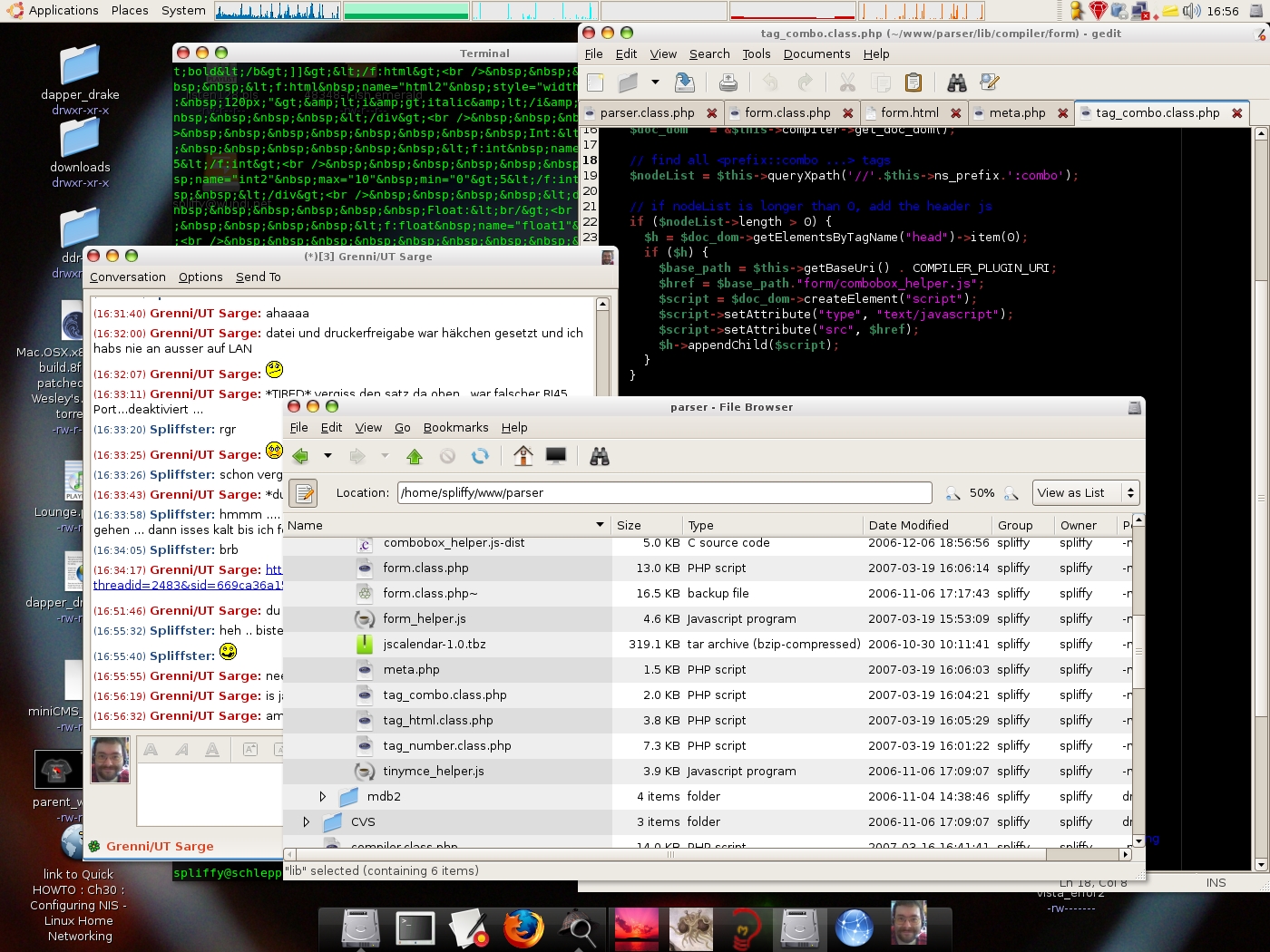
Before


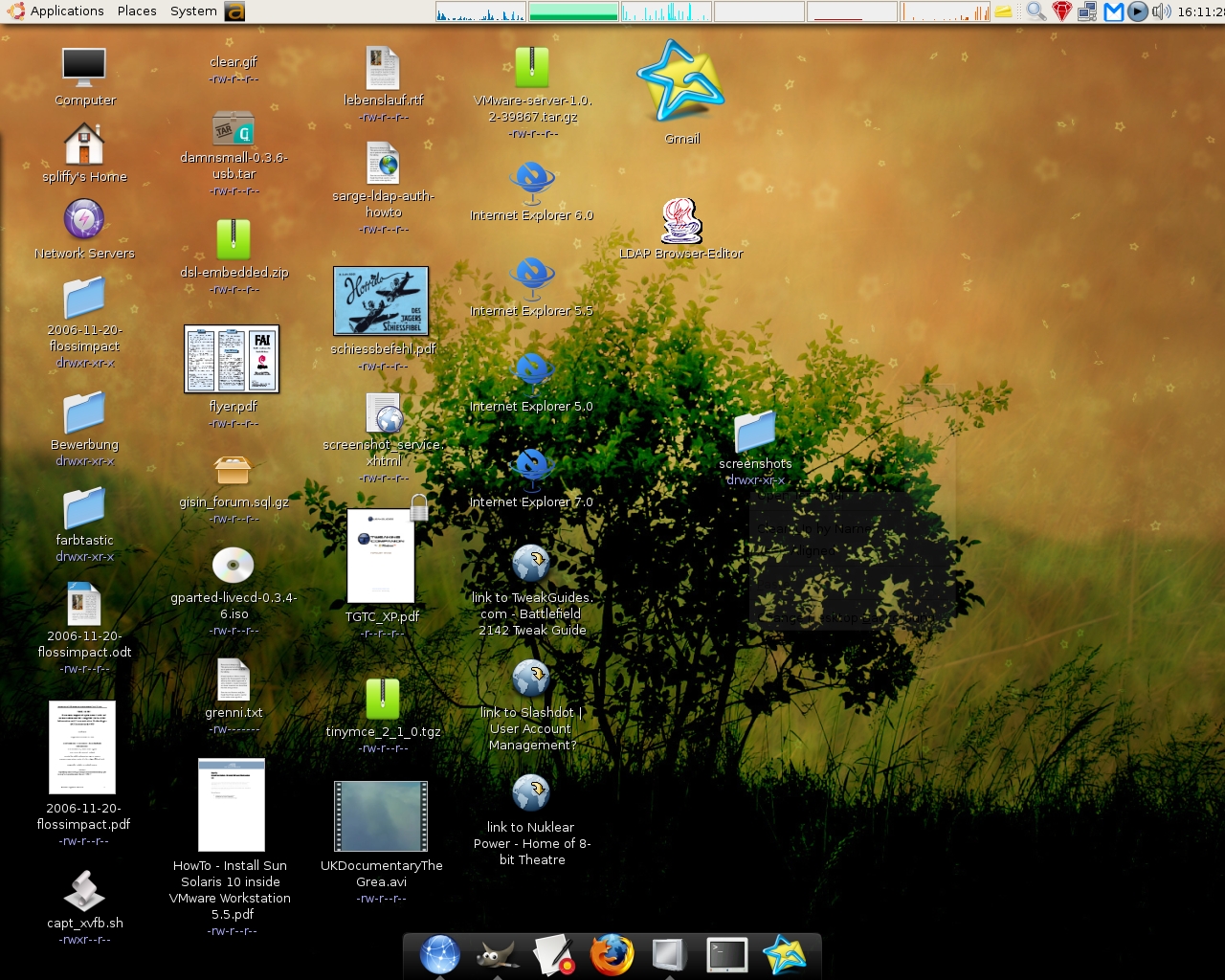
After

The 2nd WTF
A new kernel came with feisty so I knew I'll have to recompile the vmware-server kernel modules. Vmvare ships with a perl script which can do this for you. So I started this script and it failed to compile the modules (it was very reliable on older ubuntu and all debian installations I have). While VMWare Player shipt with earlier Ubuntu releases, VMWare Server did not. a short
apt-cache search -n vmware
said, feisty ships now with vmware server, YAY! This means, whenever a new kernel is distributed, I do not need to updated the vmware modules myself, for this reason ubuntu ships a separate package with the pre compiled kernel modules for the selected kernel. sweet!

What's new at a first glance
The overall experience is very similar to edgy. Probably the biggest benefit are updated packages and a newer kernel (= more recent drivers). Also, the startup screen and the desktop theme look much more polished.
  1. The boot process seems to be faster and after checking the feisty goals it became clear that this was on purpose ;)
  2. As mentioned, vmware-server is now part of the distribution (you must activate the universe repo. first).
  3. No fiddling with beryl. If you have a decent video card, Installation of beryl is pretty simple. In my case (I had beryl installed before the upgrade) I had nothing to do at all.
  4. gnome-session-manager/acpi and beryl: I had to tweak quiet some stuff in edgy to make beryl work flawlessly. I had issues with the startup sequence of gnome programs from gnome-session-manager. I had to write my own ACPI scripts to make beryl behave during suspend/hibernate and resume (all fixed now and working out of the box).
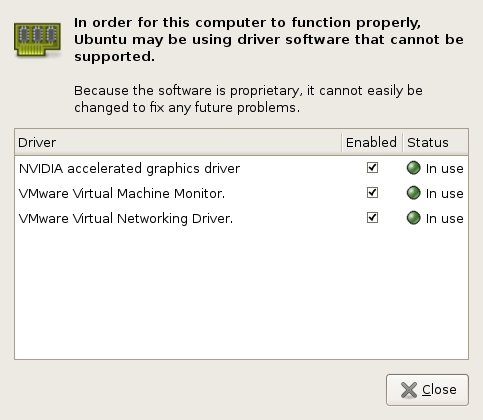
  5. Integration of commercial (closed source) drivers. I am not a big fan of binary blob drivers. However, the nVidia drivers seem to work pretty well and deliver performance and stability. Therefore I prefer to use the nVidia drivers for now. Feisty has an extra Application (under System > Administration > Restricted Drivers Manager) which manages (oh surprise!) such drivers.

  6. And of course many updated packages.
Of course, there are many, many improvements. The above listed improvements were the first I have noticed.

After thought
That's all folks! Feisty is installed. It took 2 hours and most of the time I was just watching a progress bar. I am very impressed about the high quality the ubuntu Team has delivered and how easy the process of upgrading was.

Depending on the degree of customization, hardware platform and environment YMMV!